Follow the shape of the play
Keep Sideline Save open and frame enough of the field to see the ball, passing options, and space ahead.
 Sideline Save
Youth soccer video for parents
You don’t have to record the whole game to catch the best moments. Keep Sideline Save open and follow the action, then press record when an attack becomes worth saving.
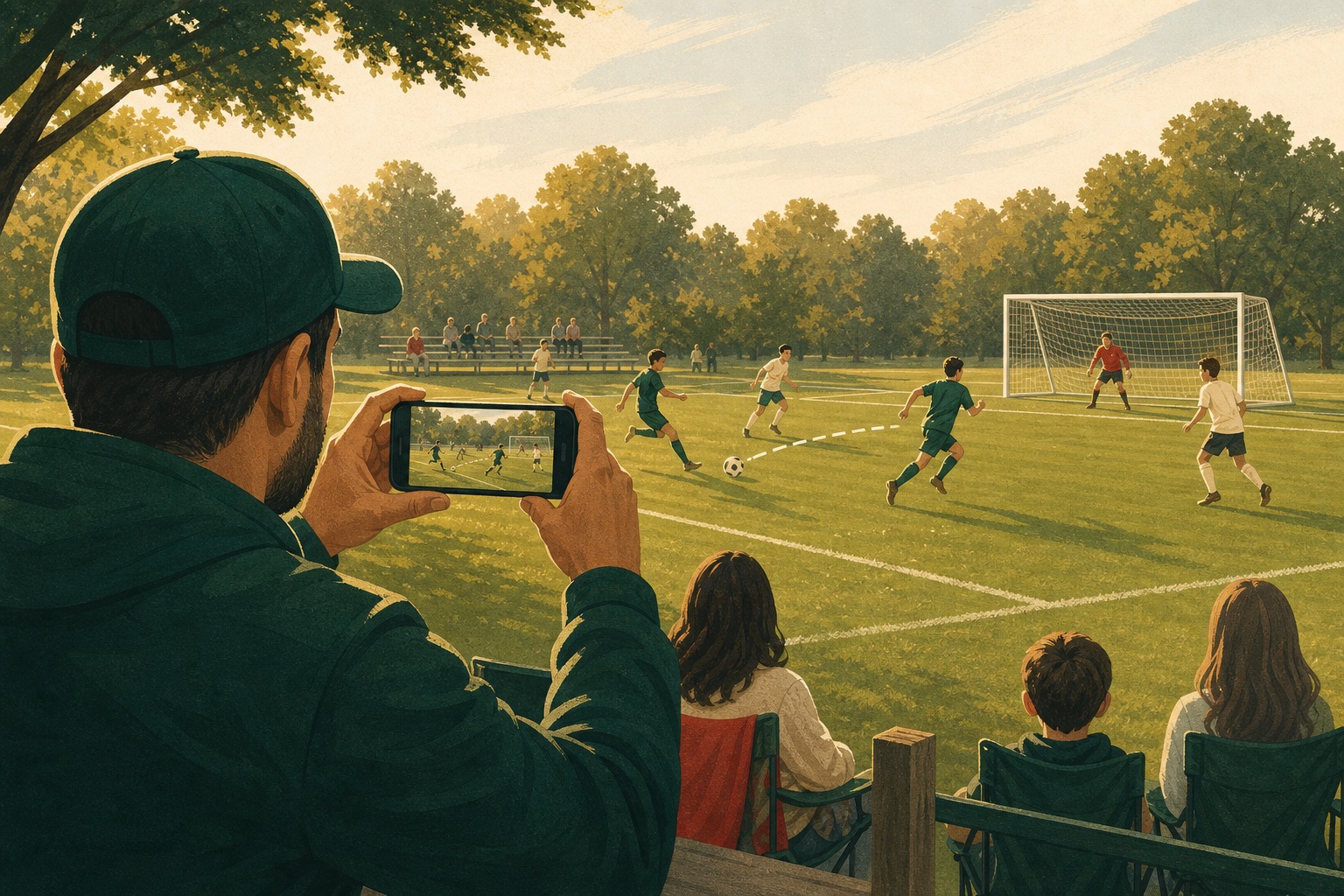
The saved video can still begin with the pass or run that created it.
Keep the camera on your keeper. When the shot comes, press record and keep the buildup that made the save matter.
Press record after the finish and the video can still include the pass or run that opened the defense.
The camera-roll problem
With the built-in Camera app, you either start early and save long stretches of midfield play or wait and risk losing the pass, run, or turnover that created the chance.
Sideline Save lets you follow the game with the camera ready and decide later. When an attack moves toward goal, press record. If the buildup is still within your selected 5-, 10-, or 20-second window, the finished video begins with it. Keep recording through the shot, save, rebound, or celebration, then press stop.
One attack, three actions
Keep Sideline Save open and frame enough of the field to see the ball, passing options, and space ahead.
The video starts with action already held by Sideline Save, including the earlier pass or run when it fits your selected window.
Keep the shot, goal, save, rebound, and reaction, then save the finished video to Photos.
More than goals
Press record as the attack becomes dangerous and keep the pass, run, shot, and reaction.
Press record when the shot develops and keep the buildup that shows why the save mattered.
Keep the decision and pass that opened the defense, not only the final touch.
Press record when danger appears and continue until the defense safely ends the play.
Game-day setup
Soccer develops across a wide field. A little context makes the eventual shot or save much easier to understand.
Common questions
No. While the app is open, it keeps a short rolling window ready. A video is saved when you press record, continue through the play, and press stop.
Yes, when the pass falls within the 5-, 10-, or 20-second window you selected and Sideline Save was open with the camera ready.
Soccer attacks often develop through several passes or a long run. The longer starting window keeps more context, and you can switch to 5 or 10 seconds whenever you prefer smaller videos.
Sideline Save saves finished videos locally to your Photos library and organizes them in its Saved Videos view. It does not upload your sports footage to a Sideline Save account.
Request iPhone beta access for your next soccer game. Most parents get their TestFlight invite within five minutes.